Text To Video
Why Use KONZ for AI Video Generation?

Top Models, One Place
KONZ brings together leading video-generation models, including Seedance, Sora, Runway, Veo, Kling, and more, so you can compare, switch, and create seamlessly all in one place.
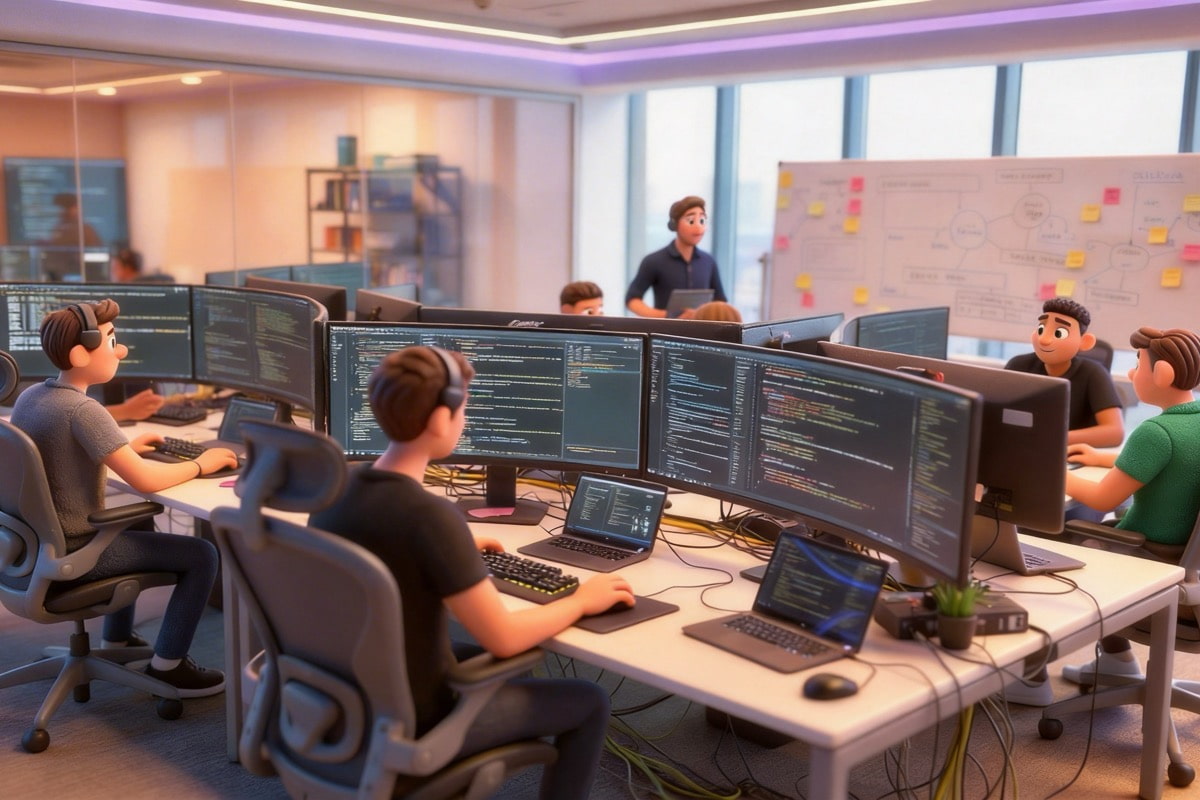
Always Up to Date
New models and improvements roll out constantly. KONZ automatically tracks releases, runs quality checks, and integrates the best versions—so you always have instant access to the latest video generation capabilities, without any setup.

Full Creative Control
Fine-tune every detail. Choose your model, set aspect ratios, and dictate camera movements. Whether you write a single sentence or a detailed scene description, KONZ’s models understand natural language and generate dynamic, cinematic videos that align perfectly with your intent.
Which AI Video Model Is Right for You?
From lifelike motion to bold stylized visuals, each model focuses on different strengths. Use this comparison to find the right balance of quality, control, and speed for your video.
| Dimension | Sora | Veo | Kling | Seedance |
|---|---|---|---|---|
| Photorealism | Excellent | Excellent | Good | Excellent |
| Native Audio | Good | Excellent | Good | Good |
| Multi-shot / Cinematography | Good | Good | Excellent | Good |
| Generation Speed | Moderate | Moderate | Fast | Moderate |
| Max Resolution | 1080p | 4K | 4K / 60fps | 1080p |
| Max Duration | 25s | ~60s | 15s | 15s |
3 Simple Steps to Create Your Video
From prompt to finished video in seconds. Here's how KONZ works:
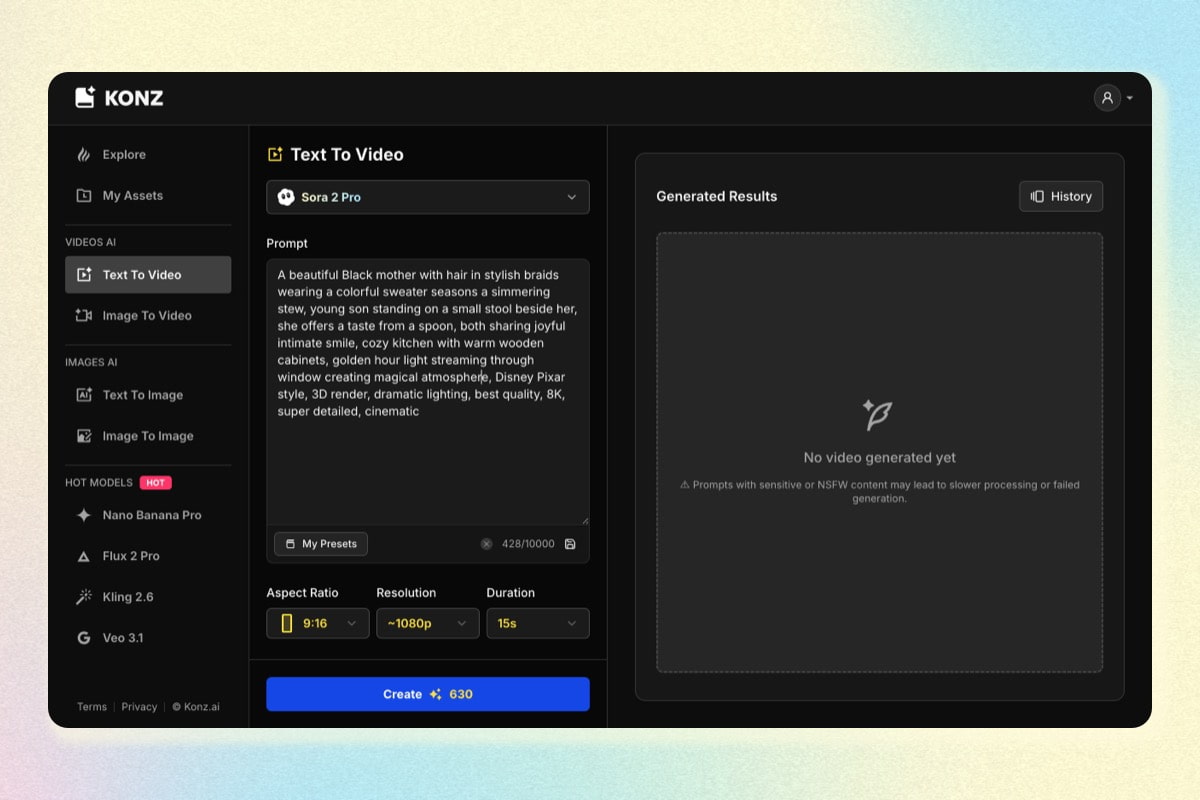
1. Write Your Prompt
Describe the scene, action, or story you want to bring to life. Just type your prompt and get started.
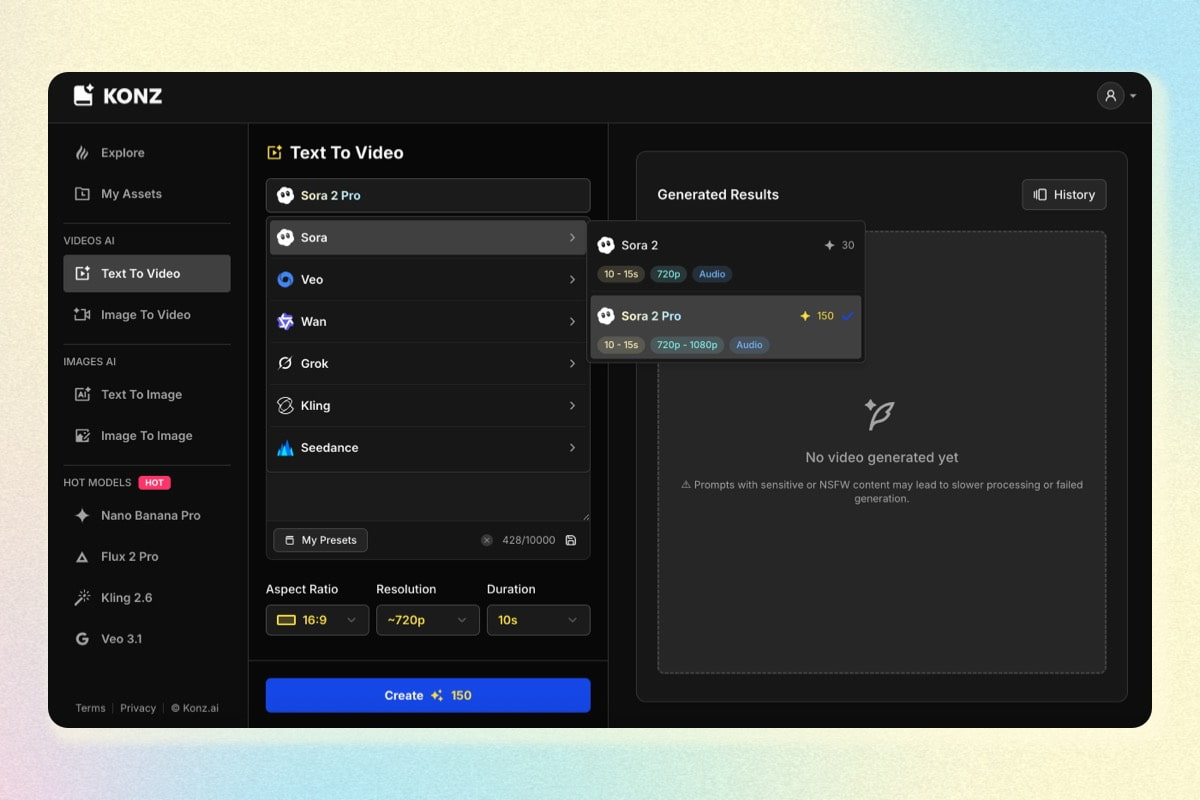
2. Choose model & settings
Select the video model that fits your needs, then adjust aspect ratio, resolution, duration, and other video settings.
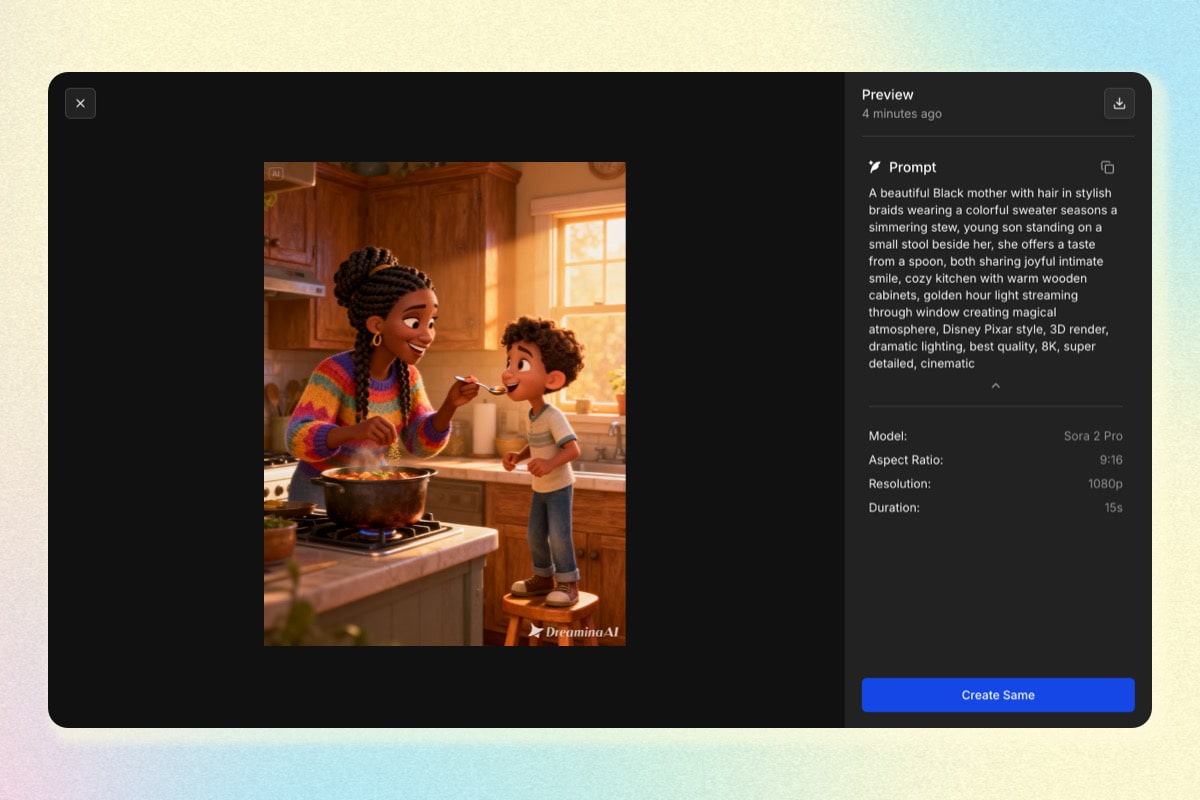
3. Download and Use Anywhere
Save your videos in full resolution and use them anywhere you need.